
Holiday let guest messaging templates: 5 copy-paste messages that help you avoid bad reviews
Most guest questions are the same every time: where to park, how the key works, what time they can arrive. These five timed messages answer them before guests need to ask.
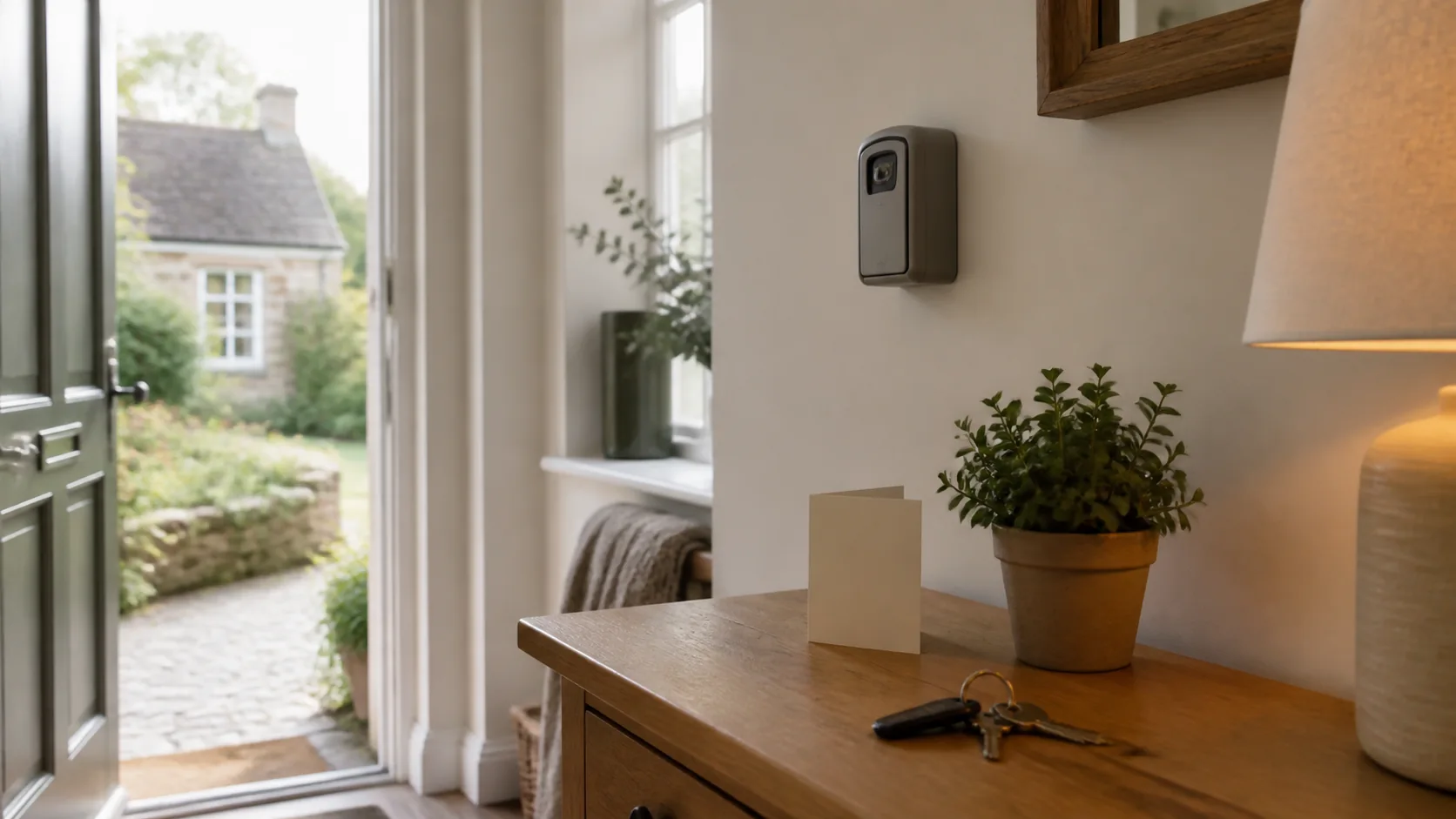
Each message is sent at a set point between booking and checkout and has one job. The same structure works whether you send manually through Airbnb or Booking.com or use an automation tool such as Hospitable.
Below are ready-made templates with placeholders you can swap for your property details. Copy them into your platform saved messages, your Hospitable account, or wherever you send from. Then adjust once for each property and leave them running.
When to send each message (and why the timing matters)
Timing is not random. Each message lands at the point where the guest is most likely to need that specific information:
- Booking confirmation: within 1 hour of booking. Builds confidence and stops "did it go through?" anxiety.
- One week before arrival: 7 days out. Gives them time to plan the journey but close enough they will not forget the details.
- Arrival day: morning of check-in day. The essential "how to get in" message, timed so it sits at the top of their inbox when they set off.
- First evening check-in: around 7-8pm on arrival day. Catches problems while they are small and shows you care.
- Checkout reminder: evening before departure. Sets clear expectations so there are no surprises on the last morning.
Template 1: Booking confirmation that builds confidence from the start
Send this within an hour of booking. Keep it short and warm. Do not dump logistics here. The guest has just committed money and wants reassurance, not a wall of instructions they will forget.
Why this works: It confirms the key facts (dates, guest count) so any booking errors surface immediately. It tells the guest exactly when to expect more information, so they do not chase you for it. And it uses your real name, not your platform username.
Template 2: One week before arrival with journey and local details
This is your "get excited" message. The guest is starting to think about packing and planning their trip. Give them the information that helps with that, not the check-in mechanics (those come on arrival day).
Why a week out and not earlier: Two weeks out, people have not started thinking about the trip yet and forget what you sent. Three days out, they have already made their plans. A week is the sweet spot.
Template 3: Arrival day access details for guests at the door
Send this on the morning of check-in day, ideally between 8am and 10am. This is the only message guests will re-read while standing at your front door, so it needs to be scannable and specific. No waffle.
Key detail: Notice the structure. Access first, then WiFi (the first thing every guest wants), then heating (the second thing), then everything else. That order follows what guests do when they walk in.
Template 4: First evening check-in that catches problems early
Send around 7 to 8pm on arrival day. This message gives guests an easy moment to mention a problem while you can still fix it. A guest who is frustrated about a cold radiator or a dripping tap at 8pm will either tell you now (fixable) or stew on it overnight and mention it in their review (not fixable).
Keep it to three or four sentences. You are checking in, not writing an essay. Guests appreciate brevity here, they are on holiday and do not want homework. If they reply with a problem, respond quickly and specifically. If they reply "all great thanks", leave them alone until checkout day.
Template 5: Checkout reminder that protects your changeover schedule
Send the evening before departure, around 6-7pm. This is not about being bossy. It is about making checkout simple so the guest does not have to guess what you expect, and whoever's doing the changeover (you or your cleaner) can get started on time.
About the bed-stripping request: many UK holiday lets ask for this, but not all, so remove the line if you would rather guests left the beds made. Asking saves whoever does the changeover real time.

Five mistakes that undo good messaging
- Sending everything at booking. Guests forget it all by arrival day. Space the information across the five messages so each one lands when it is relevant.
- Signing off as your property or business name. "The Old Mill team" feels less personal than a first name. Use your first name in every message.
- Forgetting to update the lockbox code. If you rotate codes between guests, double-check the arrival day message before it goes out. One wrong digit means a phone call at 4pm when you are in a meeting.
- Not checking in on the first evening. It takes a few seconds to send and gives guests an easy way to raise a problem before it turns into a review.
- Copy-pasting between properties without changing the details. Sending your Devon parking instructions to guests at your Norfolk cottage is embarrassing and confusing. If you use automation, set up separate templates for each property.
Automating the sequence so you send once and forget
If you are managing two or more properties, sending these manually every time gets old fast. Tools such as Hospitable let you set up timed message sequences that fire automatically based on the booking dates. You write the template once per property, set the timing (e.g. "7 days before check-in"), and the platform sends it with the guest's name and dates filled in.
Even with automation, review the messages quarterly. Check that the lockbox codes, parking details, WiFi password, and local recommendations are still correct. A scheduled message with last year's WiFi password is worse than no message at all.
Free tool
See all free tools
Guest Messaging guides6 guides
Search all guidesWriting holiday let guest message templates that sound like you, not a script
Build reusable guest messages that save time while still sounding like a real person.
Writing a holiday let welcome guide that guests use
What to put on the first page, how to explain the heating and appliances, what goes on the emergency page, and whether to print it or share it online
Automating holiday let guest messages without losing the personal touch
Choose which guest messages to automate and where a personal reply still matters.
Handling a holiday let guest complaint without caving or escalating
Work out what happened, respond proportionately and keep a difficult guest exchange from becoming a dispute.
The holiday let check-in message sequence that prevents most access problems
Set out arrival, access and fallback instructions so guests know what to do before they reach the door.
What to say when a holiday let guest asks for something you can't give
Set a clear boundary and offer a useful alternative when a guest asks for something you cannot provide.