
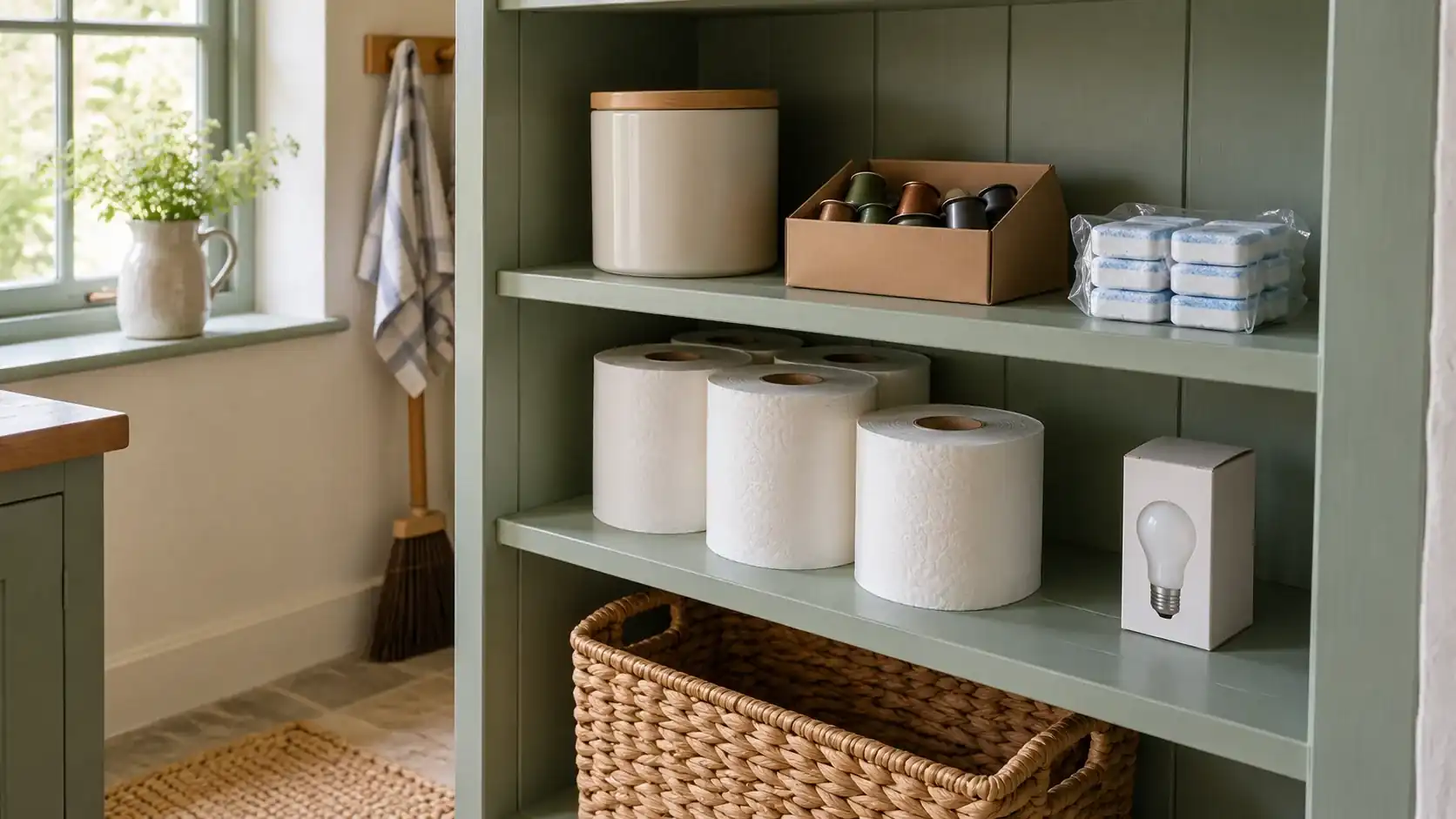
A holiday let restock and issue log is a running list with one row per problem: what ran low, what went missing, what broke, when you found it and what you did about it. Kept for a few months, it shows which items you run out of every week, which repairs keep coming back and what evidence you have if a guest damages something. Below you'll find the log to copy, a filled-in example and the habits that keep it up to date.
What you get from the holiday let restock and issue log
- Fewer surprises at changeover, because you see what is running low before it runs out.
- A clear picture of which repairs keep coming back, so you fix the cause and not the symptom.
- The dates, photos and costs to hand if you ever have to ask a guest to pay for damage.
The holiday let restock and issue log
| Date found | Room | Item or issue | Type | Photo taken | Action | Who | Date done | Cost |
|---|---|---|---|---|---|---|---|---|
A filled-in example EXAMPLE ONLY
Every row below is invented. It shows how short an entry can be and still be useful.
| Date found | Room | Item or issue | Type | Photo taken | Action | Who | Date done | Cost |
|---|---|---|---|---|---|---|---|---|
| Example date one | Kitchen | Dishwasher tablets nearly out | Restock | No | Bought a large box | Sam | Example date one | £12 |
| Example date one | Bathroom upstairs | Slow shower drain | Repair | Yes | Cleared the trap | Sam | Example date two | £0 |
| Example date three | Living room | Remote for the TV missing | Missing | No | Ordered a replacement | Alex | Example date four | £9 |
| Example date five | Bedroom two | Mug stain on the armchair | Damage | Yes | Guest asked for a payment | Alex | Open | Open |
What to record and what to skip
Record anything you would otherwise have to remember: a consumable that was down to its last unit, an item that was missing at changeover, damage a guest could be responsible for and any repair, however small. Skip things that are fixed on the spot and will not come back, such as a bulb you swapped in thirty seconds. If you would be annoyed to rediscover it in three months, it belongs in the log.
Keep the wording short and specific. "Slow drain, upstairs shower" is better than "plumbing issue". Name the room so whoever reads the log can find the problem without asking.
Using the log to set your restock levels
After a month or two, sort the log by item. The same ones will keep coming up: toilet rolls, coffee, dishwasher tablets, bin bags. Those are the items to hold a spare of, and the quantity is the number you used between visits plus a margin. Write it down as a par level, the minimum you want on the shelf after each changeover, and put it on the handover sheet so whoever does the changeover knows what to top up. A full stock list is the next step, and keeping a holiday let inventory that shows what has gone missing explains how to build one.
The free holiday let linen calculator does the same job for sheets and towels, so you know how many sets you need to cover your busiest turnaround.
Using the log when a guest has damaged something
The log is not proof on its own, but it shows when you found the damage, what you did and what it cost. If you are going to ask a guest for payment through a booking platform, act quickly. Airbnb, for example, asks hosts to file a reimbursement request in the Resolution Centre within fourteen days of the responsible guest's checkout, and wants photos, videos and estimates or receipts. Other platforms set their own limits, so check the current rules for each one you use, and take photos before anything is moved or cleaned.
Mark the row as damage, record that you took photos and note the date you filed the claim. When the repair or replacement is done, fill in the cost so the amount you claim matches what you paid.
Keeping the log current
The log only works if rows go in when things happen. Add a row from your phone as soon as you see the problem, and have anyone who helps with changeovers do the same. If you use a spreadsheet, keep it in a shared file so everyone writes to the same place. If you use paper, fix the sheet to the inside of the utility cupboard and photograph it each month.
When the entry starts as a guest's report during a stay, what to do when a guest reports a fault mid-stay covers how to respond before it goes in the log.
Review the log at the end of each month. Close the rows that are done, chase the ones that are not and note anything that happened three times. A problem that appears three times is no longer an issue, it is a repair you have been avoiding.
Mistakes that make the log useless
The first is writing entries so vague that no one can act on them. The second is recording problems but never filling in the action column, which turns the log into a list of complaints. The third is keeping it in a place only you can reach, so a cleaner who finds a problem texts you instead of adding a row. The fourth is skipping photos on damage, because a description rarely settles an argument.
Start the log at your next changeover
Copy the header into a spreadsheet today and add whatever you know is currently wrong or low. Then add rows as you go for a month. At the end of that month you will have the first real picture of what your property uses and what it keeps breaking, and a better restock list than any you could write from memory. To put the next changeover's restock list in front of whoever does it, use the holiday let changeover handover sheet.